Automation engineering · Research
Design and validate automation before installing it.
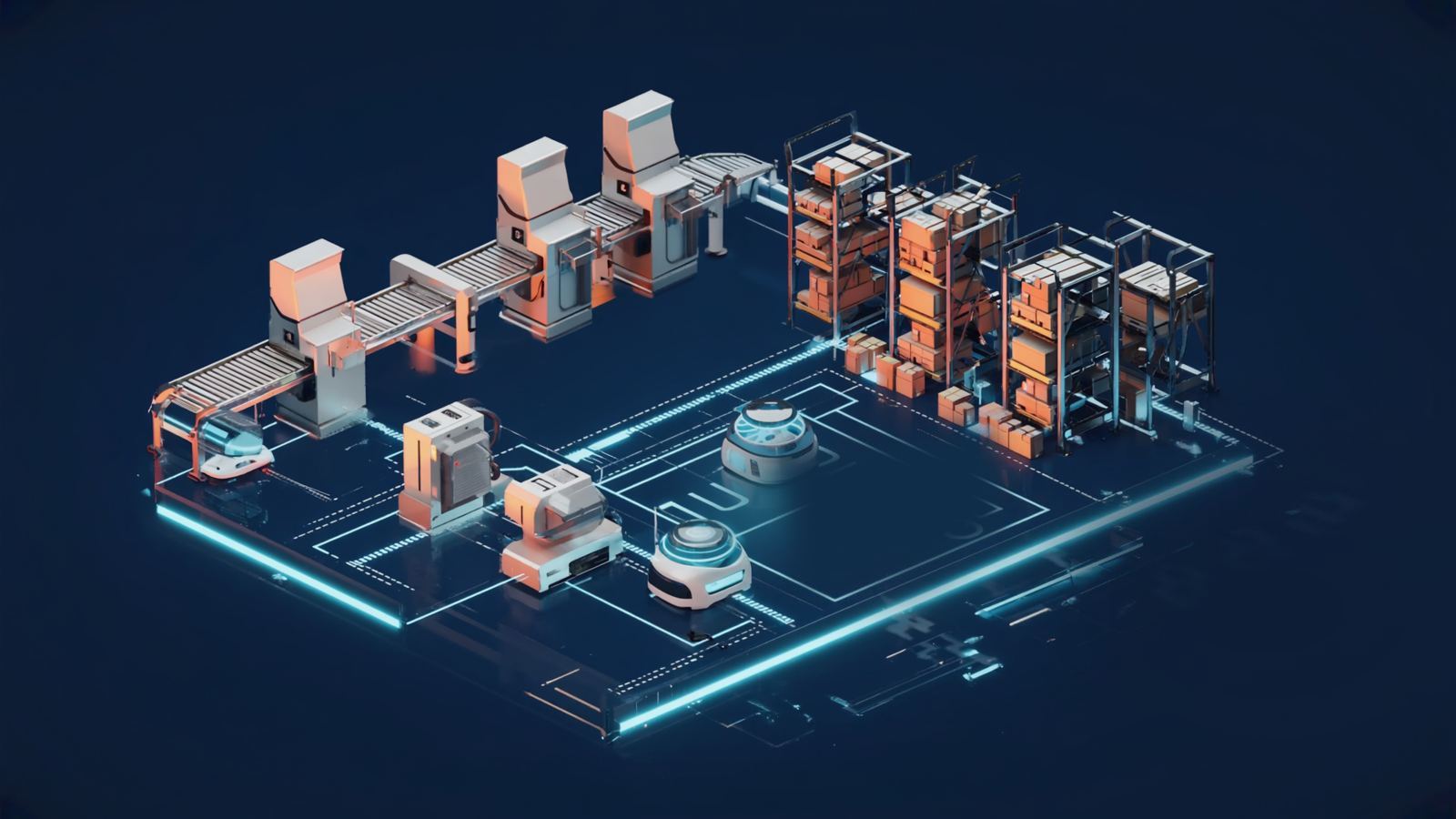
Automation Designer and Twin are being built for integrators and factory engineering teams that need to move from a real layout to a validated multi-resource automation scenario. Import or author the floor, configure equipment, simulate material flow and compare alternatives before physical commissioning.
The engineering workflow
From layout to a reproducible scenario.
Author the layout
Work from saved layout revisions with typed racks, barriers, lanes and automation assets rather than a presentation-only 3D scene.
Configure equipment
Represent conveyors, robot cells, mobile resources and material handoffs with explicit geometry, capabilities and connections.
Simulate the workflow
Run bounded cell and fleet scenarios, preserve custody and derive metrics from the runtime rather than painted dashboard values.
Compare alternatives
Evaluate throughput, travel, buffers, fleet sizing and proposed automation changes before approving a physical deployment.
What we are validating now
Real engineering constraints, not a generic digital-twin claim.
Availability is project-specific. Automation Designer and Twin are at design and prototype stage — an engineering-validation programme, not a universally qualified virtual-commissioning replacement for vendor robot or PLC tools. Every capability and its readiness is listed on the platform page.
Where it fits
Observe the as-is. Design the to-be.
Sight can establish evidence about the current operation. Automation Designer/Twin models proposed changes. Flow is the separate governed execution layer for supported systems and robots. This separation keeps observation, simulation and command authority explicit.
Design partner program
Bring us a project you already engineer manually.
We will recreate a bounded workflow with you and measure engineering time, iteration speed and issues found before deployment.
Discuss a design project →